Your next chapter
1 Month
A little taste of everything.
$25
USD total · One payment for one month.
- Movies, series & live sports
- 4K streaming on supported content
- Your favorite devices
- Personal WhatsApp setup
Personal checkout on WhatsApp
YOUR ENTERTAINMENT. UPGRADED.
Onyx Streams offers IPTV subscriptions for movies, series and live sports, with WhatsApp setup help for supported Fire TV, Smart TV, Apple TV and mobile devices. Plans start at $25 USD for one month. Confirm your country, channels and exact device before choosing.
Start with your device and the programme you want to watch. See plan details and questions to confirm.

A front-row feeling.
From your favorite seat.
A world of entertainment
The stories you talk about. The series you stay up for.
Pick a platform to discover how to get started.

THE NEXT OBSESSION
Your next obsession starts here.

STORIES THAT STAY
Your next obsession starts here.

PRESTIGE, ON PLAY
Your next obsession starts here.

A LITTLE MORE MAGIC
Your next obsession starts here.

YOUR KIND OF SERIES
Your next obsession starts here.
BIG-SCREEN ENERGY
Your next obsession starts here.
Made for movie nights
Poster showcase.
Confirm current title availability with the concierge.






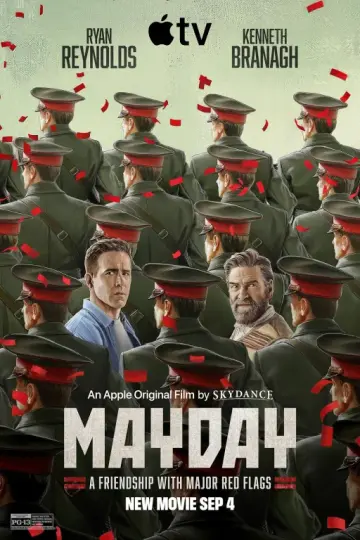





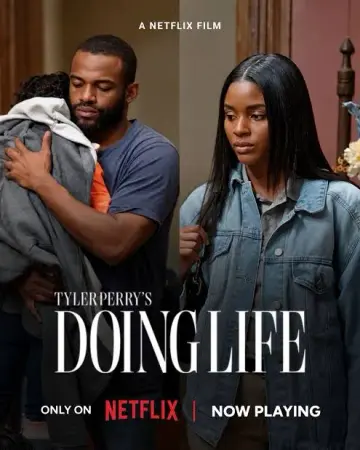

Great nights. One simple price.
Pick your time. Keep your freedom.
A personal concierge gets you ready to press play.
Your next chapter
A little taste of everything.
USD total · One payment for one month.
Personal checkout on WhatsApp
Your next chapter
Settle into your next obsession.
USD total · One payment for six months.
Personal checkout on WhatsApp
The full experience
Your best year of entertainment.
USD total · One payment for a full year.
Personal checkout on WhatsApp
Want to see it first? Ask us for a free trial ↗
Your next great night, unlocked
Three simple steps.
A whole new world on your screen.
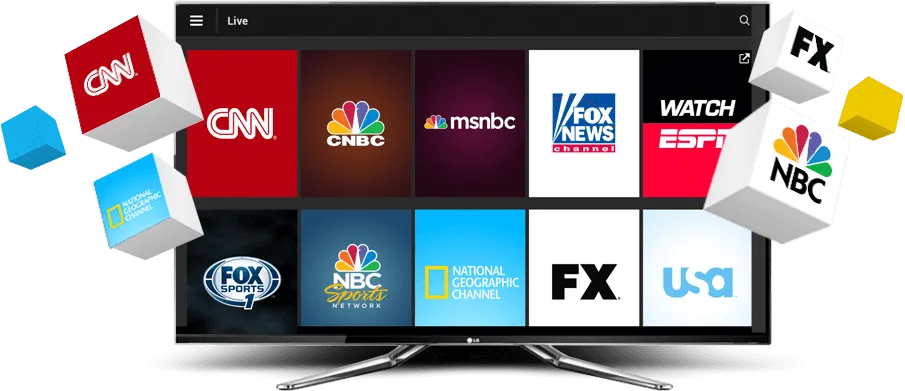
YOUR WORLD, IN 4K
STEP 01
One month, six months, or a whole year of great nights in. Pick your plan above, or ask us about a free trial.
MAKE IT YOURS
STEP 02
Meet your personal streaming concierge. Tell us your plan and device; we’ll walk you through the setup.
A PERSONAL CONNECTION
STEP 03
Receive your credentials and a simple setup guide. Sign in on your device, find your next favorite, and press play.
YOUR NEXT CHAPTER
Your favorite seat is about to become the best seat.
Meet your conciergeThe viewing journal
Find practical checks for your device, connection and live feed before the game begins. Start with the setup guide or choose a troubleshooting article below.
NFL stream freezing on Fire TV Stick? Separate NFL+ access limits from app and live-feed faults, then use a focused support report to find the next fix.
Read the troubleshooting guide Champions League · TroubleshootingChampions League 4K stream freezing? Check native UHD availability, separate display switching from buffering, and report the exact match-feed fault.
Read the troubleshooting guide UFC · TroubleshootingUFC freezing on Firestick? Check 2026 event access, distinguish app crashes from live-feed buffering, and send a useful fight-night support report.
Read the troubleshooting guideBefore you press play
Choose a plan with the details in hand. Check your device, confirm the programme you want and test your connection before making a longer commitment.
Ask the WhatsApp conciergeOpen the WhatsApp trial button and tell the concierge your country, device model and the channels or event you want to watch. The team will confirm trial availability and the supported setup. Test on the same screen and connection you expect to use after subscribing.
Start with your exact device model: a Samsung or LG Smart TV, Apple TV, iPhone, Android device, Fire TV Stick, PC or Mac. App support and installation steps depend on the model and software version. Ask the concierge to confirm compatibility before selecting a plan.
No. Picture quality depends on the source programme, subscription, player, device and display. Some live events are delivered in HD. Confirm the exact feed during your trial; a 4K television or a successful UHD film does not establish the quality of a live sports channel.
The one-month plan costs $25, the six-month plan costs $80, and the twelve-month VIP plan costs $110. These are total USD prices for each plan, rather than monthly charges for the longer options. Confirm included channels, permitted connections and subscription terms with the concierge before paying.
Compare another channel, then another supported device on the same connection. Pause large household downloads and try a lower quality setting if available. Record the channel, time, device and result. Our NFL, Champions League and UFC guides explain how to narrow down the cause before changing your setup.
Confirm the channel or event is available for your location, the supported picture quality, the number of permitted connections and the subscription terms. Ask about content authorization, payment, cancellation and support. Onyx Streams offers a refund or replacement if the IPTV service stops working or has a problem; contact Vip@onyxstreams.com or the WhatsApp team for help. A trial helps you evaluate playback on your own equipment before choosing a longer commitment.